
We’d like to introduce you to the integration of NovoPen® 6 and NovoPen Echo® Plus from Novo Nordisk.
A solution that adds information and reduces guesswork.

Download and try it now!



We’d like to introduce you to the integration of NovoPen® 6 and NovoPen Echo® Plus from Novo Nordisk.
A solution that adds information and reduces guesswork.


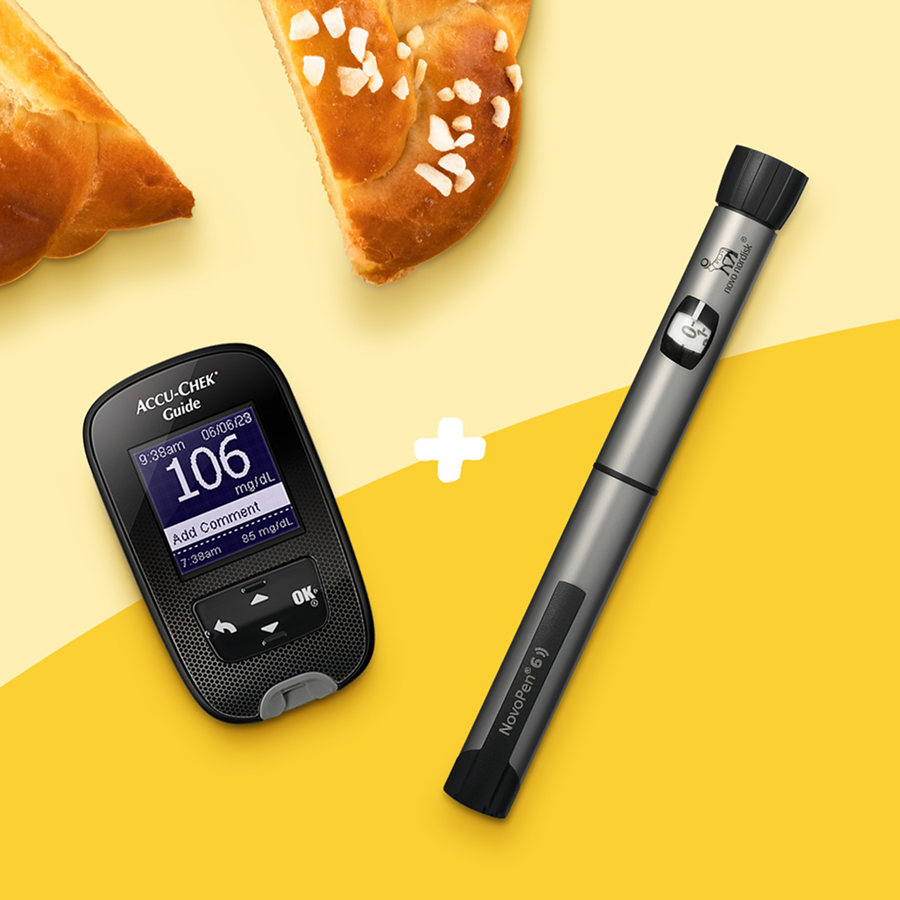
Here is a step-by-step guide on how to connect your smart pen and import data from your NovoPen 6 and NovoPen Echo Plus smart insulin pen into the mySugr app.

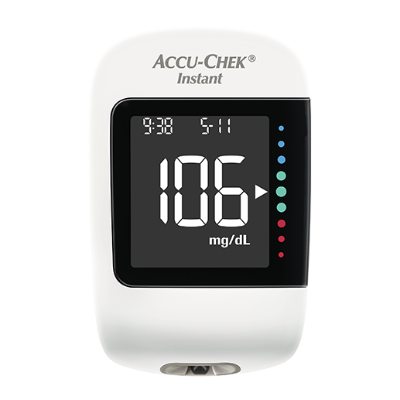

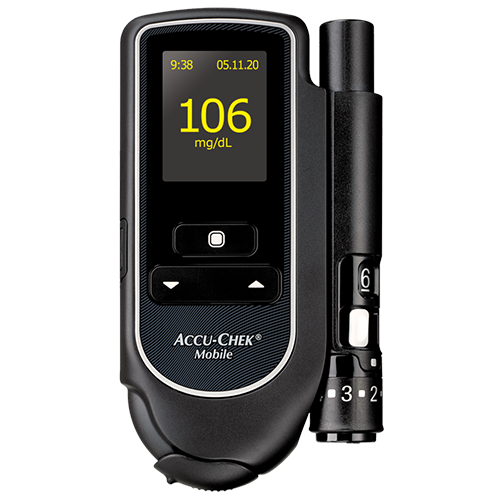


You will be able to import insulin values (time and doses) from NovoPen® 6 and NovoPen Echo® Plus smart insulin pen into your mySugr Logbook via NFC (Near Field Communication). NFC is the same trusted technology used to make contactless payments via a smart phone, and it allows you to transfer the data to the mySugr app. You can benefit by tracking insulin data in addition to other relevant contextualised diabetes data within one app. This includes blood glucose values, continuous glucose monitoring data, carbohydrates, activity data, or medication - aiming to provide you with a better overview of your important diabetes data.
As an iOS user, follow these steps to connect your smart insulin pen to the mySugr Logbook:
As an Android user, follow these steps to connect your smart insulin pen to the mySugr Logbook:
You can create comprehensive reports of your aggregated diabetes data in the mySugr Logbook from either the pre-defined time periods (2 weeks or 3 months) or a customized date range (mySugr PRO feature). You can share this report with healthcare professionals directly through the mySugr Logbook or print it for your next doctor’s appointment.
The following insulin cartridges are approved for this integration:
You can use the Novo Nordisk smart pen integration with Apple iPhone starting at iPhone 7, as this is the first generation of iPhones with NFC technology:
iPhone 7, iPhone 7 Plus, iPhone 8, iPhone 8 Plus, iPhone X, iPhone XR, iPhone XS, iPhone XS Max, iPhone 11, iPhone 11 Pro, iPhone 11 Pro Max, iPhone 12 Pro Max, iPhone 12 mini, iPhone SE (2nd generation).
Newer Apple iPhones will work for the integration as well.
With Android you can use the Novo Nordisk smart pen integration with an OS version of Android 11 or higher. Please be aware that your phone must have an NFC chip. This depends on the specific phone model you are using.
Once your smart insulin pen(s) has been successfully connected, you can import data into the mySugr Logbook. On iOS, this can be done as follows:
Note: On iOS only doses that you injected after pairing your smart insulin pen to the mySugr Logbook will be imported.
To import data from your connected smart insulin pen on Android, follow these steps:
Note: To import data from your connected smart insulin pen to the mySugr Logbook, NFC must be enabled on your phone.
On iOS you can connect up to eight insulin pens (NovoPen® 6 and NovoPen Echo® Plus).
On Android you can currently only connect one insulin pen (NovoPen® 6 or NovoPen Echo® Plus).

"As I am new to diabetes this app has been a game changer for me. It's so easy to use and it has lots of helpful hints and information."


"Amazing! Life-changing! This app without question, as a diabetic, one that I don’t know how I lived without it. It’s clear, easy to use, precise and l’m finally getting a true insight into battling the debilitating monster that is Diabetes!"

"Clean, super useful and it’s free. I guess it was created by someone who also suffered from Diabetes or has a beloved one who has it. It is obvious that it was made with care. Wow, thank you!"

4.6 stars user experience rating. Average app rating in App Store and Google Play.
*Until Jan 31, 2025, based on aggregated numbers provided by the App stores consoles

